Wireless earbuds
Best TWS Earbuds in 2026
Find the best true wireless earbuds across all budgets. We compare ANC performance, battery life, sound quality, and value across every price range.
Watch the waveform, hear yourself back, and get a verdict — not just a wiggling line. The recording is held in this tab and never uploaded.
Two short steps, about eight seconds
Your browser will ask for permission first. The recording is kept in this tab so you can play it back, and it is thrown away when you press Again or close the page.
Only shown when you have more than one. The names appear after the first test, because browsers hide them until you have granted permission once.
Checking usage…
If the hardware is the answer
A microphone test can only tell you what is happening now. These are our current picks for the thing that would change it — chosen by what the test just found, not by what we would most like to sell you.
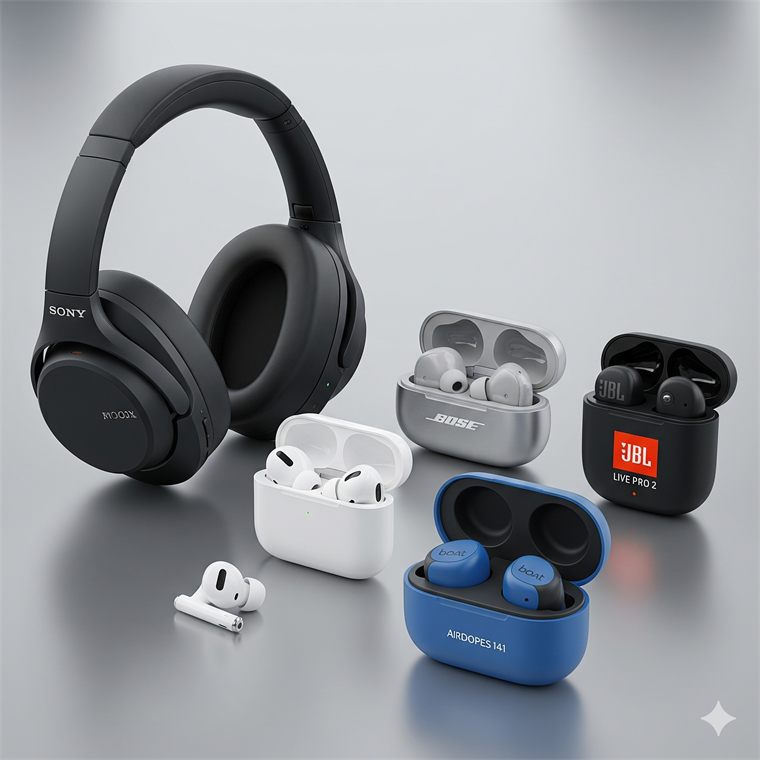
Wireless earbuds
Find the best true wireless earbuds across all budgets. We compare ANC performance, battery life, sound quality, and value across every price range.
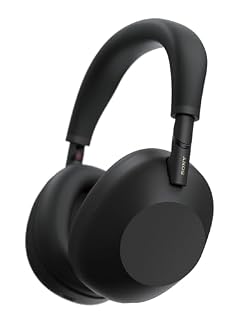
Wireless headphones
Eight over-ear and on-ear wireless headphones ranked across every budget — from the class-leading Sony WH-1000XM6 and Bose QuietComfort Ultra to a ₹1,599 boAt all-rounder…
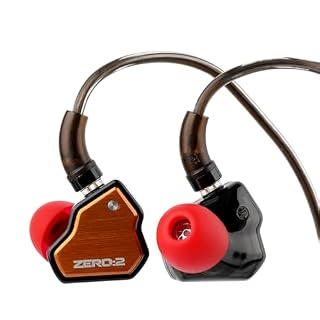
Wired earphones
Eleven wired earphones ranked across 3.5mm classics, USB-C with built-in DACs and audiophile IEMs…
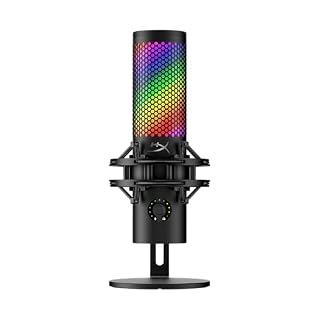
Standalone microphones
Twelve USB and XLR microphones for streaming, podcasting and gaming — from a ₹805 Zebronics starter and the classic FIFINE K669B to the hybrid MAONO A04-Gen2…
Step by step
The whole thing takes about eight seconds and asks you for one sentence.
Your browser will ask once. If you have more than one microphone — a laptop’s own, a headset, a webcam — a picker appears after the first run so you can test a different one.
This measures the room: the fan, the air conditioning, the hum of the machine itself. It is the half of the result that explains why people ask you to repeat yourself even when you are loud enough.
Use your normal speaking voice, at your normal distance. The sentence is fixed on purpose — it contains the plosives, the sibilance and the long vowels that a poor microphone mangles in different ways.
You get a named fault and what to do about it, with the numbers behind it. Then the button turns green and plays back exactly what your microphone captured — which is usually the moment the problem becomes obvious.
Private by design
Most privacy pages on tools like this one say “nothing is recorded”. We are not going to say that, because it would not be true: playing back what your microphone actually captured is half the point of the test. Here is exactly what happens to it instead.
The five seconds live in your browser’s memory as raw numbers. They are never written to a file, never encoded, never sent anywhere. Close the tab, press Again or press Stop and they are gone — there is nowhere else to look for them.
The instant the five seconds are up, the device is handed back — before the verdict is even drawn. Playback runs from the copy in memory, not from the microphone. There is no state where this page is holding your microphone and not actively counting down.
Nothing about the test needs a connection. Turn your wifi off and run the whole thing — the measurement, the verdict and the playback all still work, which is the simplest proof available that your voice is not going anywhere.
To be precise about what does leave your device — because “private” is easy to say and worth checking. Three things, and none of them is anything you said:
1. When a test finishes, this page sends one anonymous message to our counter saying “mic-test was used”. Not the recording, not the levels, not the verdict. It exists so the usage number in the panel is a real one rather than something we invented.
2. Google Analytics records the page view, that a test completed, the verdict’s short code — too-quiet, narrowband, ok — and what kind of device it was, as one of five words like bt-headset. Those are facts about a piece of hardware. It also learns whether noise processing was on, which extra you used (such as playback), where you stopped if you cancelled, and which buying guide was suggested and whether you opened it. It never receives the microphone’s name, a level, or a single sample of audio. Block it and the tool works exactly the same.
3. To show the product prices further down in your own currency, this page asks Cloudflare which country you are in and fetches the day’s exchange rates. Neither request says anything about your test. It is the same lookup every page on this site makes, and if you block it the prices simply stay in rupees.
And one thing we want to be straight about: we are not scoring your microphone. There is no reference to compare it against, so nothing here can tell you whether a £200 microphone is better than a £40 one. What it can do is measure your level, the room behind it, distortion and the frequency range that actually arrived — and name the specific thing that is wrong. Any page claiming to rate microphone quality from a browser is claiming something it cannot do.
At a glance
| What it needs | Microphone permission, granted once per site. No account, no install, no extension. |
|---|---|
| What it records | 2.5 seconds of room, then 5 seconds of speech. Raw uncompressed audio, held in the page’s memory only. |
| What it measures | Speech level and peak, the room’s noise floor, the gap between them, clipping, the frequency ceiling actually captured, and whether the signal is a voice or a constant tone. |
| What it reports | A named fault — silent, muted, too quiet, distorting, noisy room, hum, or a narrow Bluetooth band — with the numbers behind it and what to do next. |
| Devices | Built-in laptop and desktop microphones, wired and USB headsets, webcam microphones, standalone USB and interface microphones, and Bluetooth earbuds and headsets. |
| Browser processing | Echo cancelling, noise suppression and automatic gain are on by default, matching what call software does. All three can be switched off under Advanced options. |
| Playback | Plays the captured audio back through your speakers or headphones. Nothing is written to disk and there is no file to download. |
| Works offline | Yes. Once the page has loaded, the whole test runs with no connection at all. |
| Cost | Free. No sign-up, no watermark, no limit on how many times you run it. |
Questions
No. The recording exists as raw numbers in your browser’s memory, and nothing in this page can send it anywhere — the only network request the tool makes is a single message saying the word “mic-test”, so that the usage counter is honest. Nothing is written to your disk either, so there is no file to find or delete afterwards. The simplest way to satisfy yourself: turn off your wifi and run the whole test, playback included. It works identically.
Because the most common microphone complaint is not “it does not work” — it is “people say I sound bad”, and no meter can answer that. Hearing five seconds of yourself played back is what turns “my mic is fine” into “oh, I sound like I am in a bathroom”. A page that only shows you a moving line can tell you a signal exists. It cannot tell you what that signal sounds like to everyone else.
Because of how Bluetooth works, and it is not a fault in your earbuds. While you are only listening, the connection carries high-quality stereo. The moment something needs the microphone, the link switches to a hands-free mode that is mono and drastically narrower — old narrowband profiles cut everything above roughly 4 kHz, the newer wideband ones above roughly 8 kHz. Speech runs well past both. This test measures where your audio actually stops and tells you which of the two you are on, which is why the number it reports can be so much lower than you expect. Every wireless pair does this; how bad it sounds varies enormously between them.
Two places. In this page, the picker above the Start button appears once you have run the test once, and switching it re-runs the test on that device. System-wide, it is Settings then System then Sound on Windows, or System Settings then Sound then Input on a Mac. Note that browsers keep their own default separate from the system one, which is exactly why someone can plug in a headset, see it connect, and still be heard through the laptop’s built-in microphone.
Almost always because the other application is pointed at a different device, or because it is still holding a microphone from a call you thought had ended. If this test passes, the hardware, the driver and the operating system are all fine, and the problem is inside that application’s own audio settings. If this test cannot open the microphone at all and says another app is using it, close every call app and voice recorder and try again — several of them keep the device even while muted.
Speech averaging around −20 dB with peaks below about −3 dB is comfortable. Below −36 dB you are quiet enough that noise gates in call software will start clipping the beginnings of your words off. Above −3 dB you are close enough to the ceiling that loud syllables square off and distort. What matters more than the number is the gap between your voice and the room behind it: about 15 dB is the point at which the other person stops noticing your fan.
Because half of what makes someone hard to listen to is not their voice, it is everything under it. Measuring the room on its own for a couple of seconds gives a noise floor, and the difference between that and your speech is the number that predicts whether people will ask you to repeat yourself. It is also the only way to catch the case where a microphone is technically working but sits next to a laptop fan.
No, and it does not pretend to. Judging microphone quality means comparing it against a known reference in a treated room; a browser has neither. What this can do is measure what actually arrived — your level, the room, distortion, the frequency range — and name a specific fault when one is present. That is a different and more useful question than a score out of ten, because it comes with something to do about it.
If it turns out to be the microphone
If the test says you are quiet, boxy or buried in room noise and nothing in the settings fixes it, the answer is distance — getting a microphone closer to your mouth than the far side of a keyboard. These are current picks from our catalogue, priced across the range.
 Microphones
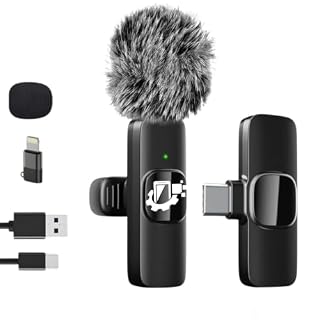
GADGETSWEAR Wireless Lavalier Furry Microphone K8, Plug & Play Bluetooth Collar Mic for YouTub…
₹360
Microphones
GADGETSWEAR Wireless Lavalier Furry Microphone K8, Plug & Play Bluetooth Collar Mic for YouTub…
₹360
 Microphones
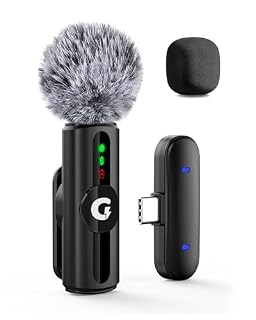
GRENARO Mic for YouTube Wireless, 3-Level Adjustable Noise Reduction Mic Wireless,S12 Wireless…
₹738
Microphones
GRENARO Mic for YouTube Wireless, 3-Level Adjustable Noise Reduction Mic Wireless,S12 Wireless…
₹738
 Microphones
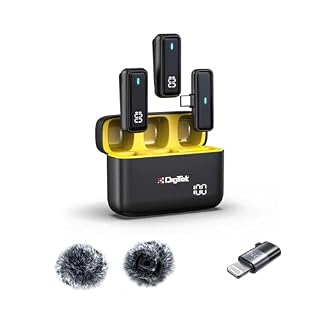
Digitek® (DWM 105) 2 in 1 Wireless Microphone System with ANC Mode, 50m Wireless Range, 6-Hour…
₹1,899
Microphones
Digitek® (DWM 105) 2 in 1 Wireless Microphone System with ANC Mode, 50m Wireless Range, 6-Hour…
₹1,899
 Microphones
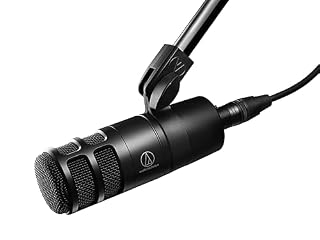
Audio-Technica AT2040 Hypercardioid Dynamic Podcast Microphone
₹7,400
Microphones
Audio-Technica AT2040 Hypercardioid Dynamic Podcast Microphone
₹7,400
 Microphones
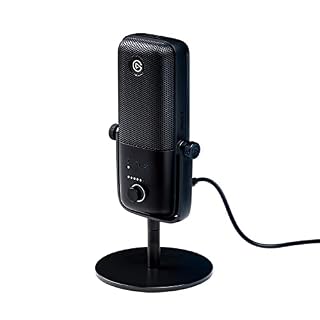
Elgato Wave:3 Premium USB Condenser Unidirectional Microphone and Digital Mixing Solution, Ant…
₹13,499
Microphones
Elgato Wave:3 Premium USB Condenser Unidirectional Microphone and Digital Mixing Solution, Ant…
₹13,499
 Headsets & earbuds
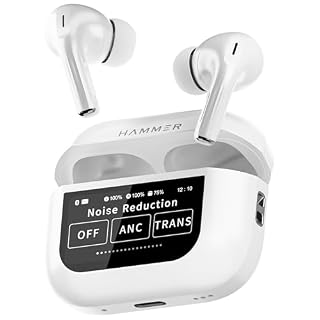
HAMMER Screen TWS Earbuds Wireless with 13mm Drivers, ANC Ear Buds 32dB, up to 50H Playtime TW…
₹1,399
Headsets & earbuds
HAMMER Screen TWS Earbuds Wireless with 13mm Drivers, ANC Ear Buds 32dB, up to 50H Playtime TW…
₹1,399
 Headsets & earbuds
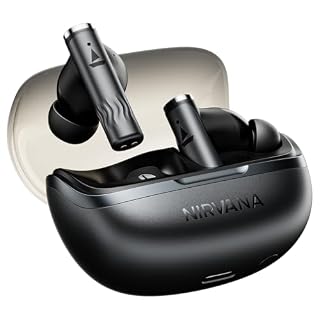
boAt Nirvana Zenith Pro, 50dB Hybrid Adaptive ANC, Spatial Audio, Hi-Res Audio LDAC, 6Mics AI…
₹2,799
Headsets & earbuds
boAt Nirvana Zenith Pro, 50dB Hybrid Adaptive ANC, Spatial Audio, Hi-Res Audio LDAC, 6Mics AI…
₹2,799
 Headsets & earbuds
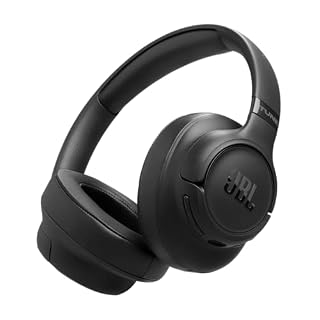
JBL New Launch Tune 780NC Wireless Over Ear Headphones with Adaptive Noise Cancellation, Upto…
₹7,999
Headsets & earbuds
JBL New Launch Tune 780NC Wireless Over Ear Headphones with Adaptive Noise Cancellation, Upto…
₹7,999
Prices and availability as of 11 August 2026, and they change often — Amazon’s page is the one that counts. As an Amazon Associate we earn from qualifying purchases, at no extra cost to you. Browse every audio product we track
Keep it handy
Worth keeping for the two minutes before an interview, a first call with a new headset, or the next time somebody says “you’re breaking up”. Bookmark it, or pin it to the top of the tools list on this device.
If the verdict was wrong, if the recording never started, or if you have a fault this test doesn’t catch, tell us. The form opens with the tool already filled in, so you only have to describe what happened.
More free tools
Every one of these runs the same way — on your device, with nothing uploaded.