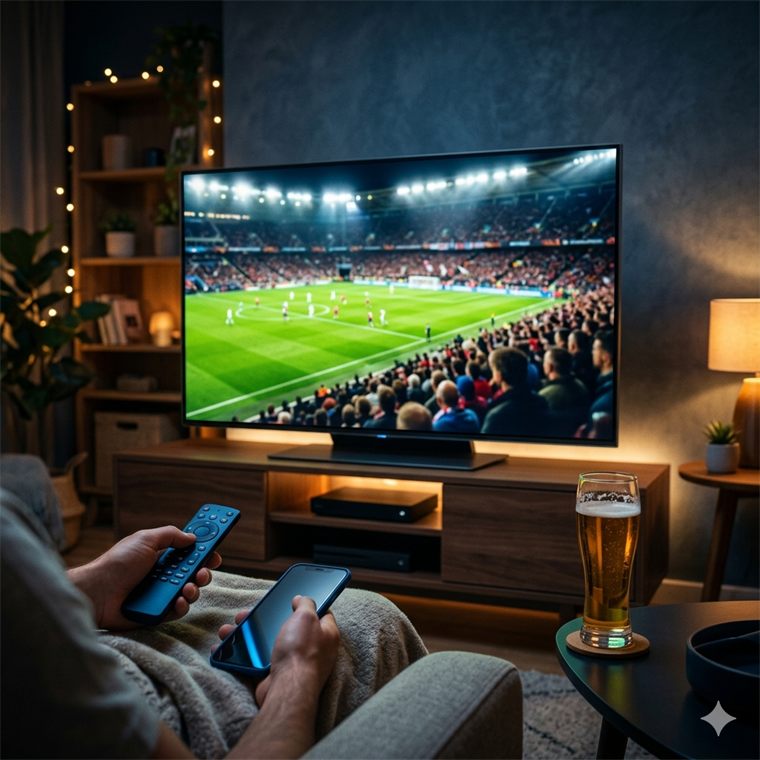
Frame rate is how many new pictures the game draws each second; refresh rate is how many times the TV redraws its screen. A TV can only show what the console sends, so the slower of the two sets the pace.
Why 30fps, even on the PS5 Pro
Rockstar spent the console’s power on a dense city, crowds, traffic and lighting rather than on frame rate, as it did with GTA V and Red Dead Redemption 2 at launch. Digital Foundry found the PS5 Pro holds 30fps most steadily and adds sharper upscaling, while the base PS5 drops into the 20s in heavy scenes. A later patch could add a faster mode; nothing has been announced.
Why VRR doesn’t rescue the dips
Variable refresh rate lets the TV wait for each new frame instead of redrawing on a fixed beat, which hides stutter. On the PS5 it works only between 48 and 120Hz. GTA 6 runs at 30 and below, under that window, so the TV falls back to a fixed refresh and VRR does nothing. It still helps other games that run between 48 and 120fps.
How local dimming makes HDR work
HDR asks the TV to show bright highlights next to deep shadow. A local-dimming TV turns its backlight up behind a streetlight and down behind the night sky; the more zones it has, the less glow (“blooming”) leaks around bright objects. OLED avoids the problem entirely by lighting each pixel. Every pick here supports HDR10, the HDR format the PS5 uses; run the PS5’s HDR adjustment once the TV is set up.
OLED, the HUD and burn-in
An OLED can keep a faint ghost of anything left on screen in one place for very long periods. GTA 6 keeps its minimap and HUD fixed, and a game you play for hundreds of hours is the classic way to cause it. Modern OLEDs shift pixels and refresh their panels to fight it, and most players never see it, but leaving the game paused for hours is the habit to avoid.