Laptop naming in 2026 is chaos — Core 5s that aren't Core Ultras, Ryzens with AI in the name, Snapdragons running Windows. Here's how to read a spec sheet for work.
CPUs decoded: U, H, Ultra, AI, X and M
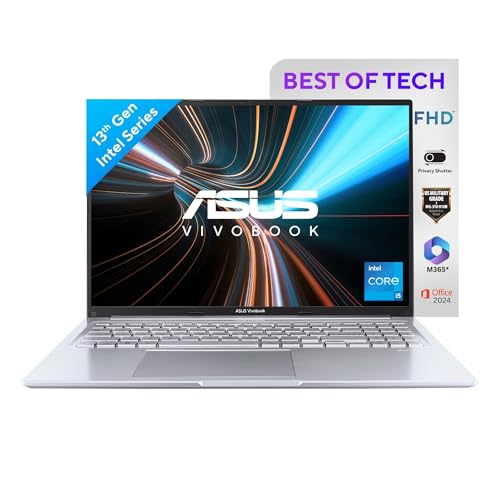
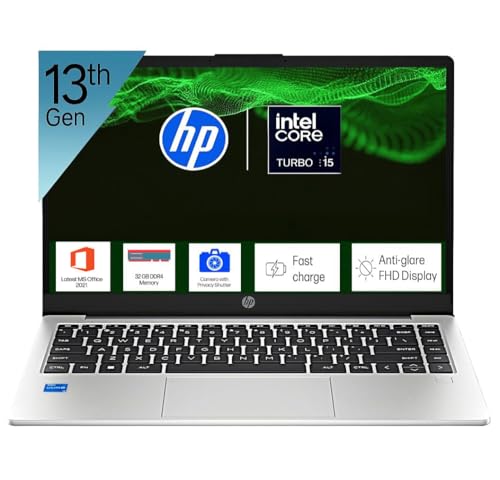
The letter matters more than the number. U-class chips (i5-1334U, Core 3 100U) are low-power — perfect for office work, cooler and longer-lasting. H-class (i5-13420H, Core 5 210H) adds horsepower for heavy spreadsheets and code at some battery cost. Core Ultra and Ryzen AI are the current x86 generations with NPUs onboard. Snapdragon X is ARM — phone-derived efficiency running Windows. Apple M-series plays the same ARM game in macOS, with the most mature results. For pure office work, any of them is fast enough; they differ in heat, noise and hours away from a socket.
Displays: the spec you feel every minute
Three things beat resolution wars. Aspect ratio: 16:10 (WUXGA, 2K, Retina) shows meaningfully more document than old 16:9 FHD. Brightness: 300 nits is the office-comfort floor; glossy panels need more. Panel tech: IPS is fine, but OLED's per-pixel lighting renders text with a sharpness LCD can't match and eliminates the grey "black" of cheap panels — the single biggest comfort upgrade in this guide, now available from ₹76,990.
Battery: watt-hours × efficiency
A battery spec means nothing without the chip attached to it. The same 60Wh cell lasts ~6 hours with an H-class Intel processor, ~10 with a U-class, and 15–20+ with Snapdragon X or Apple M4 — that's why the ARM picks dominate the battery column here. Also check USB-C PD charging (every modern pick has it): one compact charger for laptop and phone, and any monitor with USB-C can power the laptop too.
RAM, SSD and the NPU
16GB is the working minimum — and note that most thin laptops solder it, so what you buy is what you keep (the upgradeable exceptions are budget 15.6" models). 512GB NVMe is comfortable; 1TB removes storage anxiety for years. The NPU (40–50 TOPS on Copilot+ machines) runs AI features locally — live captions, camera effects, semantic search — at near-zero battery cost. Useful today, likely important across this laptop's lifespan, but never worth choosing a worse screen or battery to get.