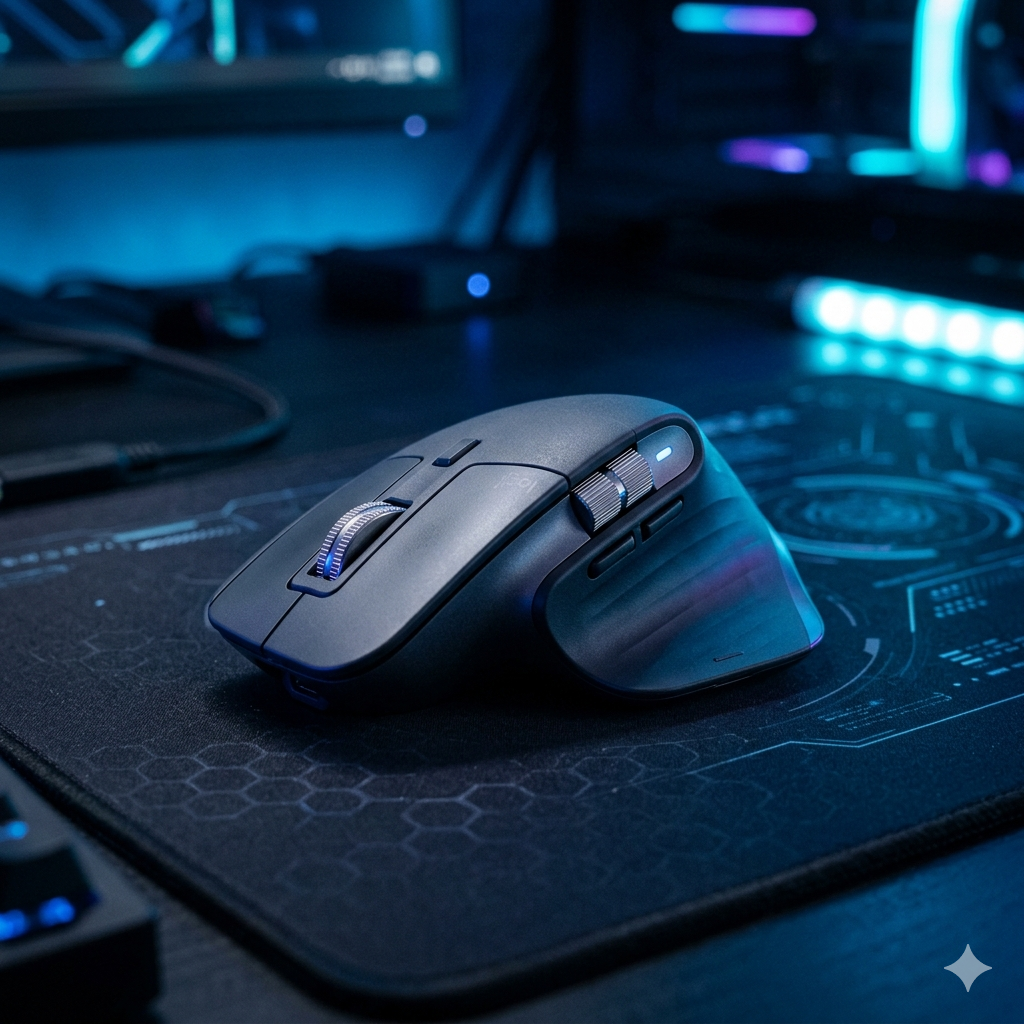
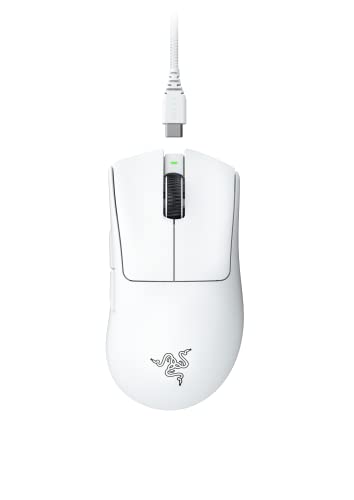
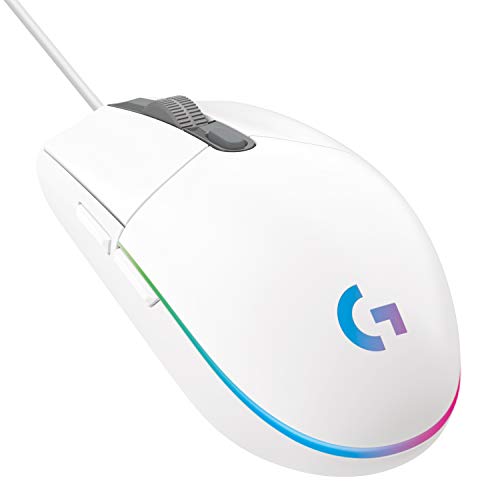
Gaming mouse marketing loves big numbers, but only a few of them affect how the mouse actually feels. Here's what to weigh — and what to ignore.
Sensor & DPI
The sensor reads movement; the good ones (Logitech HERO, Razer Focus, Pixart 3395-class) track flawlessly. DPI is how many counts of movement the sensor reports per inch — higher just means the cursor moves further per hand movement, not ‘more accurate’. Most players sit at 800–1,600 DPI, so a 45,000 ceiling is marketing. What matters is no spin-outs, smoothing or acceleration, plus a high IPS (how fast a flick it can track).
Weight & shape
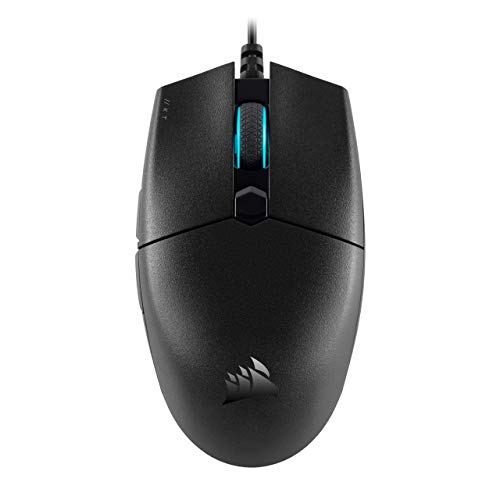
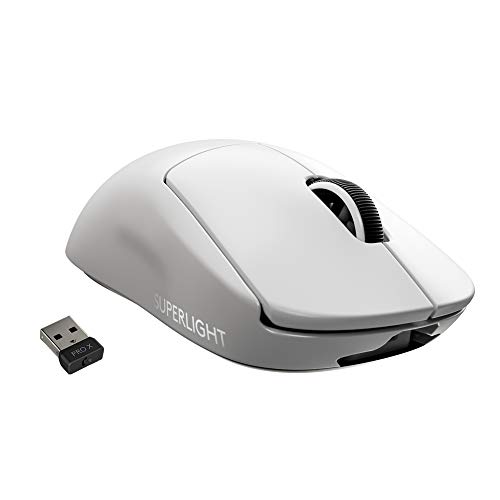
A lighter mouse is easier to flick and micro-adjust, which is why flagships now sit near 55–65g. Weight is cut with dense internals or a drilled ‘honeycomb’ shell. But shape matters just as much — an ergonomic right-handed shell suits palm grip, a smaller flat shape suits claw and fingertip. The perfect sensor in the wrong shape still feels bad.
Switches
The main buttons use mechanical switches (Omron, Kailh, TTC) or optical ones. Mechanical feel crisp but can develop double-click drift as contacts wear; optical switches actuate with light and are immune to that, which is why many gaming mice have moved to them. Both are rated for 60–90 million clicks.
Wireless & polling rate
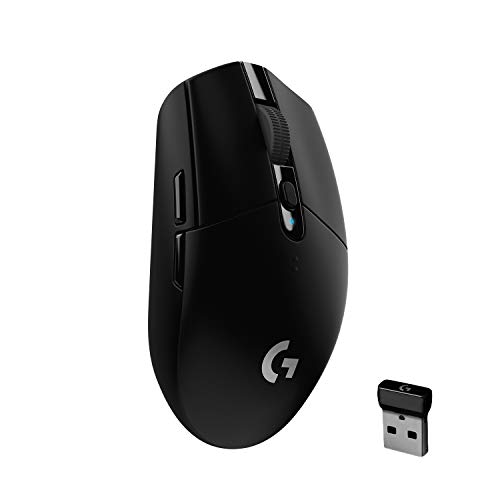
Gaming wireless uses a dedicated 2.4GHz dongle (LIGHTSPEED, HyperSpeed) that is effectively as fast as a cable — not Bluetooth, which is fine as a backup but too laggy for play. Polling rate is how often the mouse reports position: 1,000 Hz (once per ms) is standard and plenty, while newer 8,000 Hz HyperPolling (DeathAdder V4 Pro) shaves latency further for competitive players with the monitor to match.