The ₹65,000–₹80,000 laptop segment is where college laptops genuinely get interesting. Below ₹65,000, you're trading off display quality, build, or processing power. Above ₹80,000, you're entering professional territory that's often overkill for undergraduate use. This guide covers the sweet spot: six laptops where every rupee delivers a meaningful upgrade — whether in display quality, GPU power, battery life, or build.
Every laptop here is currently available on Amazon India and verified above ₹65,000 as of May 2026. The lineup spans three distinct categories — Copilot+ AI ultrabooks, gaming laptops with dedicated GPUs, and premium OLED thin-and-lights — so there's a clear best choice regardless of your course and usage pattern.
Entry-Level Premium (₹65,000–₹72,000)
These three laptops offer the most differentiated features at the entry end of the premium range — a Copilot+ AI ultrabook with 27-hour battery life, a gaming laptop with a dedicated RTX 3050 GPU, and an OLED display laptop with RTX 4050. All are solid picks for four years of college.
Best Battery Life
Samsung Galaxy Book 4 Edge (Snapdragon X, 16GB, 512GB, 15.6" FHD)
★★★★☆ (4.3/5)
The Samsung Galaxy Book 4 Edge is the most distinctive laptop in this guide — powered by Qualcomm's Snapdragon X (8-core, up to 45 TOPS NPU), it's a Copilot+ PC that delivers up to 27 hours of real-world battery life. Students who move constantly between classrooms, libraries, and hostel rooms will find this liberating: the Galaxy Book 4 Edge practically never needs a charger during the day. The Snapdragon X's integrated GPU handles office tasks, streaming, and light photo editing efficiently, and the Copilot+ AI features (live captions, AI image generation, on-device transcription) work without cloud dependency.
- Qualcomm Snapdragon X — 8 cores, up to 45 TOPS NPU, Copilot+ AI PC
- Up to 27 hours battery life — the longest of any laptop in this guide
- 15.6" FHD Anti-Glare IPS display — comfortable for long sessions in bright rooms
- 16GB LPDDR5X RAM + 512GB SSD
- Samsung DeX, Link to Windows, and Galaxy ecosystem integration
- 1.55 kg — thin, light, and well-built for daily carry
₹67,990
Check on Amazon
Best for Gaming
HP Victus 15 Ryzen 5 8645HS + RTX 3050 6GB (16GB DDR5, 512GB, 144Hz)
★★★★☆ (4.2/5)
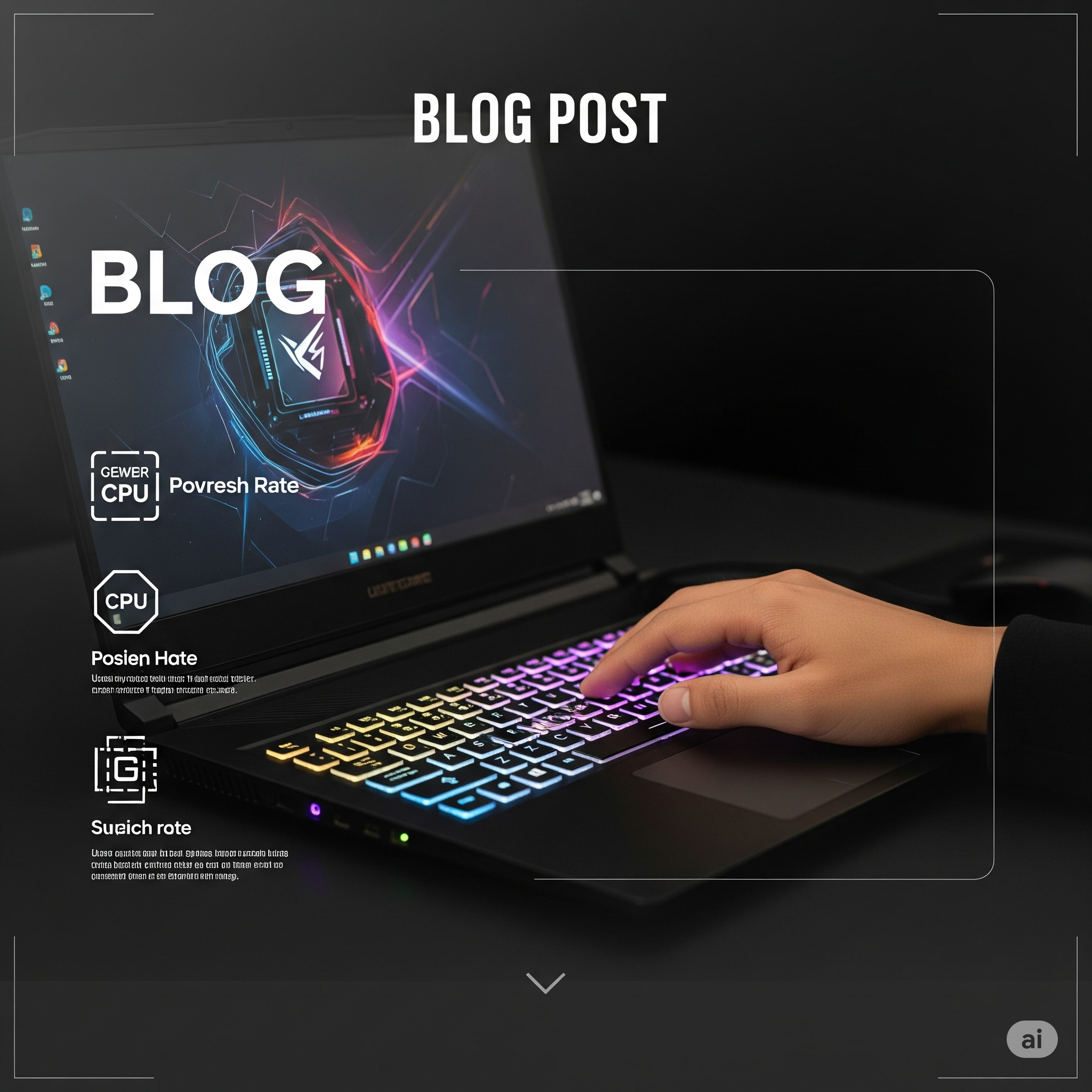
The HP Victus 15 is the only gaming laptop in this roundup, and at ₹69,990 it's the best entry point for students who want real gaming capability without breaking budget. The Ryzen 5 8645HS (AMD's 2024 Hawk Point, 45W TDP, up to 5.0 GHz) paired with RTX 3050 6GB handles 1080p gaming at high settings — Valorant, GTA V, FIFA 25, CS2, and Minecraft all run well above 60 fps. The 144Hz display makes both gaming and general laptop use significantly smoother than the standard 60Hz panels on other laptops in this price band. CS and engineering students also benefit from the CUDA cores for ML model training in PyTorch.
- AMD Ryzen 5 8645HS (Hawk Point) — 6 cores, up to 5.0 GHz, 45W TDP
- NVIDIA RTX 3050 6GB GDDR6 — 1080p gaming at high settings, CUDA for ML work
- 16GB DDR5 RAM — faster bandwidth than DDR4 for gaming and simulation
- 144Hz FHD IPS display — smooth gaming and content scrolling
- Dual-fan cooling + HP Thermal Grizzly compound
- USB-C + 3× USB-A + HDMI 2.1 + SD card slot
₹69,990
Check on Amazon
Best OLED + GPU
ASUS Vivobook Pro 15 OLED K6502VU (Core i5-13500H, RTX 4050 6GB, 16GB, 2.8K 120Hz)
★★★★☆ (4.4/5)
The ASUS Vivobook Pro 15 OLED is the best creator laptop in this guide — and at ₹71,990, it punches well above its price. The 2.8K (2880×1620) OLED display with 120Hz refresh rate and 600 nits HDR peak brightness is the most visually impressive panel in this roundup, covering 100% DCI-P3 with PANTONE Validated colour accuracy. The RTX 4050 6GB GPU makes this the go-to choice for architecture, design, video editing, and 3D rendering students — tasks where integrated graphics fall short. The Intel Core i5-13500H (6P+8E hybrid, 45W) handles heavy compilation and multitasking with ease.
- 15.6" 2.8K OLED, 120Hz, 600 nits HDR — PANTONE Validated, 100% DCI-P3
- NVIDIA RTX 4050 6GB — significantly faster than RTX 3050 for creative and ML work
- Intel Core i5-13500H — 14 cores (6P+8E), up to 4.7 GHz, 45W TDP
- 16GB DDR4 RAM + 512GB PCIe SSD
- Harman Kardon certified speakers + Dolby Atmos
- ASUS IQ smart fan + triple-vented cooling keeps thermals in check
₹71,990
Check on Amazon
Premium & Performance (₹72,000–₹80,000)
These three laptops represent the top of the under-₹80,000 segment — Apple's M2 battery champion, a 14" OLED laptop with Intel's AI-focused Core Ultra processor and 1TB storage, and ASUS's newest Copilot+ AI PC with their best-ever OLED panel.
Best for Apple Users
Apple MacBook Air M2 (13.6", 8GB Unified Memory, 256GB SSD)
★★★★½ (4.6/5)
The MacBook Air M2 remains one of the best college laptops ever made — not because of raw specs, but because of what those specs mean in practice. The M2 chip delivers up to 18 hours of genuine battery life (real-world use hits 14–16 hours consistently across student workloads), runs completely silent with no fans, and the 13.6" Liquid Retina display is the sharpest and most colour-accurate panel in this guide at 2560×1664 resolution. iPhone users benefit enormously from Continuity Camera, AirDrop, Universal Clipboard, and Handoff. The one limitation: 256GB SSD fills up fast with large project files — plan to use external storage or cloud.
- Apple M2 chip — 8-core CPU + 8-core GPU, up to 18 hours battery life
- Completely fanless — silent at all times, stays cool under sustained load
- 13.6" Liquid Retina, 2560×1664, 500 nits — best display accuracy in this guide
- MagSafe 3 + 2× Thunderbolt 4 (USB-C) + 3.5mm headphone jack
- 1.24 kg — the lightest laptop in this guide
- 5-year software update lifecycle; excellent resale value
~₹74,994
Check on Amazon
Best Storage + OLED
Lenovo IdeaPad Slim 5 OLED (Core Ultra 5 125H, 16GB, 1TB, 14" OLED 400nits)
★★★★☆ (4.3/5)
The Lenovo IdeaPad Slim 5 OLED hits a rare combination: a 14" WUXGA OLED display at 400 nits, Intel's Core Ultra 5 125H (14 cores, up to 4.5 GHz, 28W base / 45W peak), 16GB RAM, and 1TB SSD — all in a chassis under 1.4 kg. The 1TB SSD is the standout spec here: only this and the MacBook Air even come close to that storage at this price, and the OLED panel delivers the true-black contrast and colour accuracy that serious design and media students need. The Core Ultra 5 125H's built-in AI engine accelerates on-device tasks including noise cancellation, background blur in video calls, and Windows Studio Effects — useful for online lectures and team presentations.
- Intel Core Ultra 5 125H — 14 cores (6P+8E+2LP), up to 4.5 GHz, built-in NPU
- 14" WUXGA OLED (1920×1200), 400 nits — true blacks, 100% sRGB colour accuracy
- 1TB PCIe 4.0 SSD — twice the storage of most rivals at this price
- 16GB LPDDR5X RAM
- 1.4 kg slim build — easy campus carry alongside textbooks
- Thunderbolt 4 + USB-C + USB-A + HDMI — complete connectivity
~₹75,990
Check on Amazon
Best AI PC
ASUS Vivobook S14 OLED 2025 Intel Core Ultra 5 226V (16GB, 512GB, Copilot+ AI PC)
★★★★½ (4.4/5)
The ASUS Vivobook S14 OLED 2025 is the most future-ready laptop in this guide. Intel's Core Ultra 5 226V (Series 2, Arrow Lake-H, TSMC 3nm) delivers 40 TOPS of NPU performance, making it the only Microsoft Copilot+ PC in this roundup with access to the full Copilot+ feature set — AI-powered image generation, live captions, on-device Recall, and more that will be unlocked over the laptop's lifetime. The FHD+ OLED display hits true blacks with 100% DCI-P3 coverage and 400 nits — visually identical to the Lenovo Slim 5 OLED above. At 1.3 kg with a metal chassis, it's also the most premium-feeling build in the guide.
- Intel Core Ultra 5 226V (Series 2) — TSMC 3nm, 40 TOPS NPU, Copilot+ PC
- 14" FHD+ OLED — true blacks, 100% DCI-P3, 400 nits, zero backlight bleed
- 16GB LPDDR5X RAM + 512GB PCIe 4.0 NVMe SSD
- Metal body at 1.3 kg — military-grade durability certification
- MS Office Home 2024 + Microsoft 365 Basic (1 year) included
- Intel Arc iGPU — handles light photo/video editing and casual gaming
~₹79,990
Check on Amazon
Our Verdict
Best overall for most students: The ASUS Vivobook Pro 15 OLED at ₹71,990 is the most well-rounded pick. A 2.8K OLED display with 120Hz, RTX 4050 6GB GPU, and 14-core Core i5-13500H covers every college workload — studying, creative work, gaming — with no real compromises. Best value in the lineup.
Best for battery life: The Samsung Galaxy Book 4 Edge at ₹67,990. Up to 27 hours of real-world battery is unmatched in this price range — no other laptop comes close. If you're perpetually on the move and hate charger anxiety, this is the one.
Best for gaming and engineering: The HP Victus 15 at ₹69,990. The RTX 3050 6GB runs 1080p games at high settings and provides CUDA cores for ML coursework. The 144Hz panel also makes everything smoother to use day-to-day.
Best for Apple ecosystem users: The MacBook Air M2 at ~₹74,994. The fanless M2 chip, 18-hour battery, and Liquid Retina display make it still the finest ultrabook experience available. If you're already in the Apple ecosystem with an iPhone, the integration benefits compound over four years of college.
Best for storage and portability: The Lenovo IdeaPad Slim 5 OLED at ~₹75,990. The only Windows laptop in this guide with 1TB SSD and an OLED display at under ₹80,000. Design, media, and architecture students with large project files will appreciate the extra storage.
Best for future-proofing: The ASUS Vivobook S14 OLED 2025 at ~₹79,990. The Core Ultra 5 226V Series 2 chip on TSMC 3nm will receive Copilot+ AI feature updates over the laptop's full lifetime — a meaningful advantage as AI-native Windows features roll out through 2026 and beyond.
Frequently Asked Questions
Is an OLED display worth it for a college laptop?
Yes, especially if you spend long hours staring at a screen. OLED displays produce true blacks (each pixel turns off individually), deeper contrast, and more vibrant colours than IPS panels — which reduces eye strain during long study sessions. For design, photography, or video editing students, OLED's 100% DCI-P3 colour coverage is professionally meaningful. Three laptops in this guide have OLED displays: ASUS Vivobook Pro 15 OLED (2.8K 120Hz), Lenovo IdeaPad Slim 5 OLED (14" 400 nits), and ASUS Vivobook S14 OLED 2025 (FHD+ 400 nits).
What is a Copilot+ PC and do I need one for college?
A Copilot+ PC is a Windows 11 laptop with an NPU (Neural Processing Unit) delivering at least 40 TOPS — enough to run AI features locally without cloud dependency. Current features include live captions, AI image generation, on-device background blur, and Windows Recall (activity history). In 2026, more Copilot+ features are rolling out monthly. For college students, it's a useful bonus rather than a must-have today. The Samsung Galaxy Book 4 Edge (45 TOPS Snapdragon X) and ASUS Vivobook S14 OLED 2025 (40 TOPS Core Ultra 5 226V) are both Copilot+ certified in this guide.
Should I pick RTX 4050 or RTX 3050 for college?
Depends on your use. The RTX 4050 (in the ASUS Vivobook Pro 15 OLED) is roughly 40–50% faster than the RTX 3050 (in the HP Victus 15) — it handles 1080p gaming at ultra settings, accelerates 3D rendering significantly, and supports DLSS 3 frame generation. If gaming or creative GPU work is a priority, the RTX 4050 is worth the extra ₹2,000. If you primarily game casually at medium-high settings, the RTX 3050 in the Victus is sufficient and saves money. Both support hardware ray tracing and CUDA for ML frameworks.
Does the MacBook Air M2 work for engineering and coding?
Yes — the M2 chip is excellent for Python, Java, C++, web development, and most engineering workloads. Xcode runs natively on ARM, and most development tools have been ported to Apple Silicon. The main limitations are: (1) 256GB base storage fills up fast with large datasets and VMs — consider external SSD; (2) some Windows-only software (some CAD tools, older lab software) may not run natively; (3) no dedicated GPU means ML training on large models is slower than RTX laptops. For general CS and software engineering, the M2 MacBook Air is excellent. For heavy simulation or ML GPU training, prefer the HP Victus or ASUS Vivobook Pro OLED.
Which laptop in this guide has the best keyboard for long typing sessions?
The Lenovo IdeaPad Slim 5 OLED has the best keyboard feel — Lenovo keyboards are consistently rated highest for key travel, actuation force, and typing comfort among Windows laptop brands. The MacBook Air M2 has Apple's Magic Keyboard, which is excellent for its flat profile. The ASUS Vivobook Pro 15 OLED has a backlit keyboard with 1.4mm key travel that's comfortable for long writing sessions. The HP Victus 15 has a gaming-oriented keyboard with RGB backlighting — functional but not designed primarily for typing comfort.